Worked example: 5 business days from Wednesday 6 May 2026
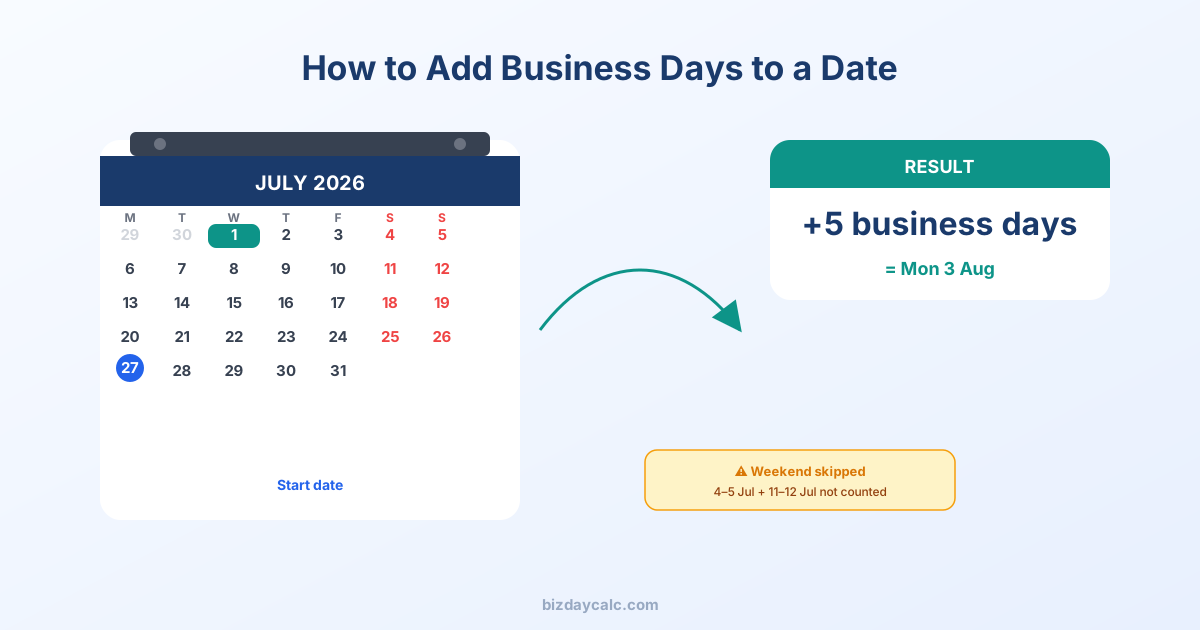
Here is a step-by-step example. We start from Wednesday 6 May 2026 and add 5 business days, skipping weekends.
| Step | Date | Day | Counts? |
|---|---|---|---|
| Start | Wed 6 May 2026 | Wednesday | — |
| Day 1 | Thu 7 May 2026 | Thursday | Yes — business day |
| Day 2 | Fri 8 May 2026 | Friday | Yes — business day |
| — | Sat 9 May 2026 | Saturday | Skipped |
| — | Sun 10 May 2026 | Sunday | Skipped |
| Day 3 | Mon 11 May 2026 | Monday | Yes — business day |
| Day 4 | Tue 12 May 2026 | Tuesday | Yes — business day |
| Day 5 | Wed 13 May 2026 | Wednesday | Yes — result |
The result: 5 business days from Wednesday 6 May 2026 is Wednesday 13 May 2026 — seven calendar days later because the weekend was skipped. If the Monday had been a bank holiday (it is not), the result would shift to Thursday 14 May.
Key takeaways
- Decide whether the start date itself counts as day one before you begin.
- Skip Saturdays and Sundays — they are never business days.
- Skip public holidays if your policy, contract, or regulation excludes them.
- Use the correct holiday calendar for the country or region involved.
Step-by-step method
- Start with the date the period begins
- Decide whether the start date counts as day one
- Move forward one weekday at a time
- Skip Saturdays and Sundays
- Skip public holidays if the rule says they do not count
- Stop when you reach the required number of business days
Common mistake
The most common mistake is counting weekends or accidentally counting the start date when the policy expects counting to begin the next business day.
When to use a calculator
For short date ranges, manual counting may be fine. For longer ranges, public holidays, or formal deadlines, a calculator is safer and quicker.
Useful official resources
These sources are directly relevant to the date, public holiday, delivery, SLA, or complaint-handling topic covered in this article.
Common worked examples
| Start date | + Business days | Result | Notes |
|---|---|---|---|
| Mon 1 June 2026 | 5 | Mon 8 June 2026 | One full working week |
| Thu 4 June 2026 | 5 | Thu 11 June 2026 | Crosses one weekend |
| Fri 5 June 2026 | 5 | Fri 12 June 2026 | Crosses two weekends |
| Tue 22 Dec 2026 | 5 | Thu 31 Dec 2026 | Skips Xmas Day (Fri 25th) & Boxing Day sub (Mon 28th) |
| Mon 12 Jan 2026 | 30 | Mon 23 Feb 2026 | ~6 calendar weeks |
These examples assume the count starts on the next business day after the start date, which is the most common interpretation in UK contracts and SLAs. Always confirm whether your specific policy includes or excludes the start date.
Use the calculator to add or count business days without spreadsheet formulas.
Loading comments...